Screenshots
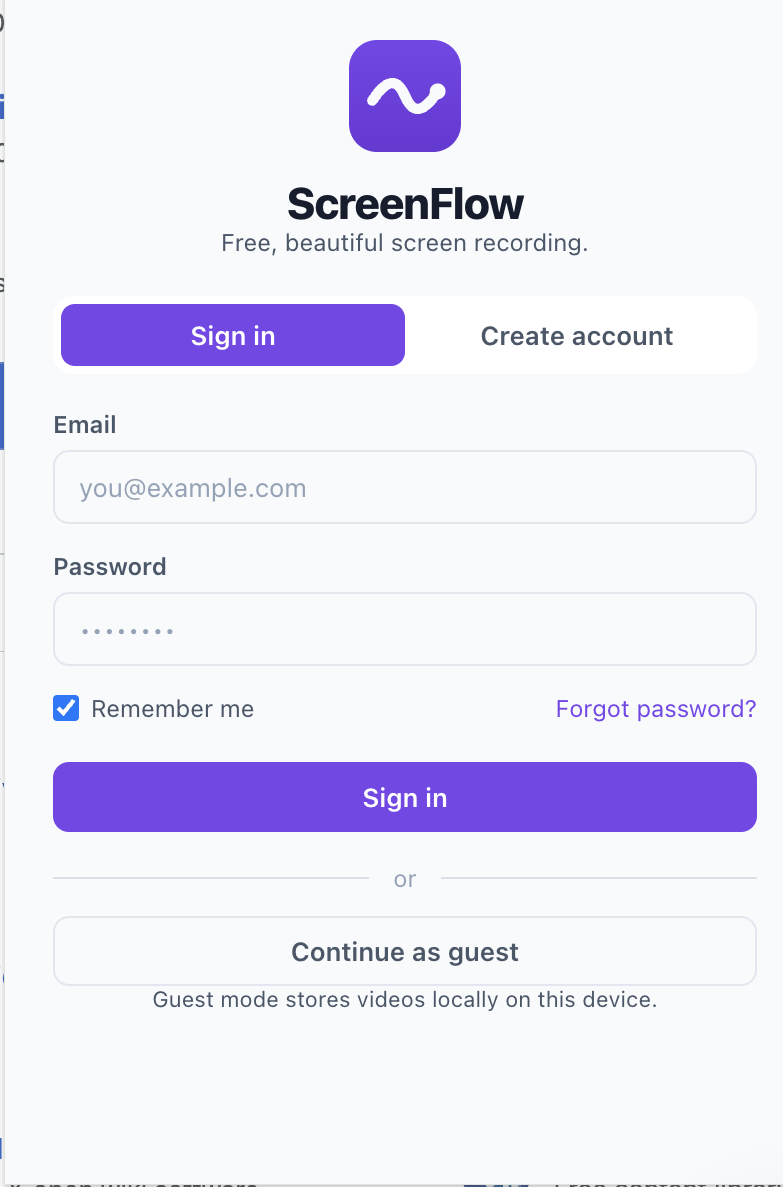
Record your browser tab, desktop, webcam and microphone with one click. Free, open-source and designed to make recording simple.
Capture your entire screen, browser tab or application window.
Record your webcam alongside your screen.
Capture microphone and supported system audio.
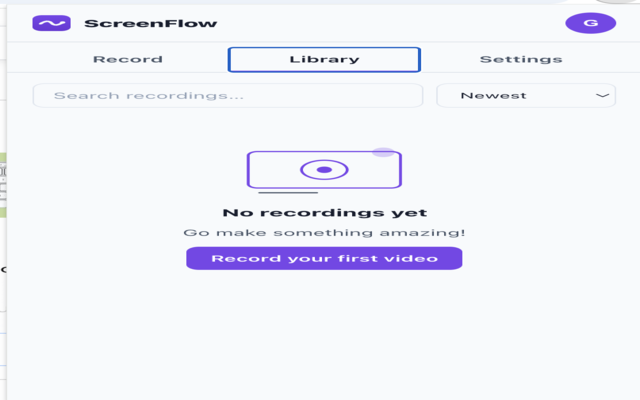
Access and organise your saved recordings.
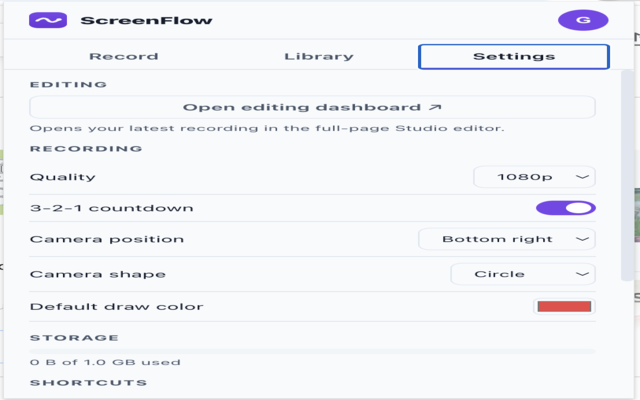
Choose quality, countdown timer, camera position and more.
No subscriptions. No watermarks. Completely free.
Last Updated: July 2026
ScreenFlow is designed with privacy in mind. We believe your recordings belong to you. This extension only records your screen when you explicitly choose to start a recording.
Guest Mode does not collect or transmit any personal information. Recordings created in Guest Mode are stored locally on your device.
If you choose to create a ScreenFlow account, only the information necessary to provide your account (such as your email address) is collected.
Your recordings are never uploaded automatically. Any upload or sharing action requires your explicit permission.
ScreenFlow requests Chrome permissions solely to provide screen recording functionality, including recording browser tabs, desktop windows, camera, microphone and saving your settings.
We do not sell your personal information. We do not share your recordings with third parties unless you explicitly request us to do so.
Settings are stored locally within Chrome. Guest recordings remain on your device unless you choose to export or upload them.
Questions about this Privacy Policy may be sent to:
support@screenflow.app
Install ScreenFlow today and create beautiful recordings in seconds.
Install ScreenFlow